Version 1.2 · May 2026 · For makers and contributors
Overview
Purpose
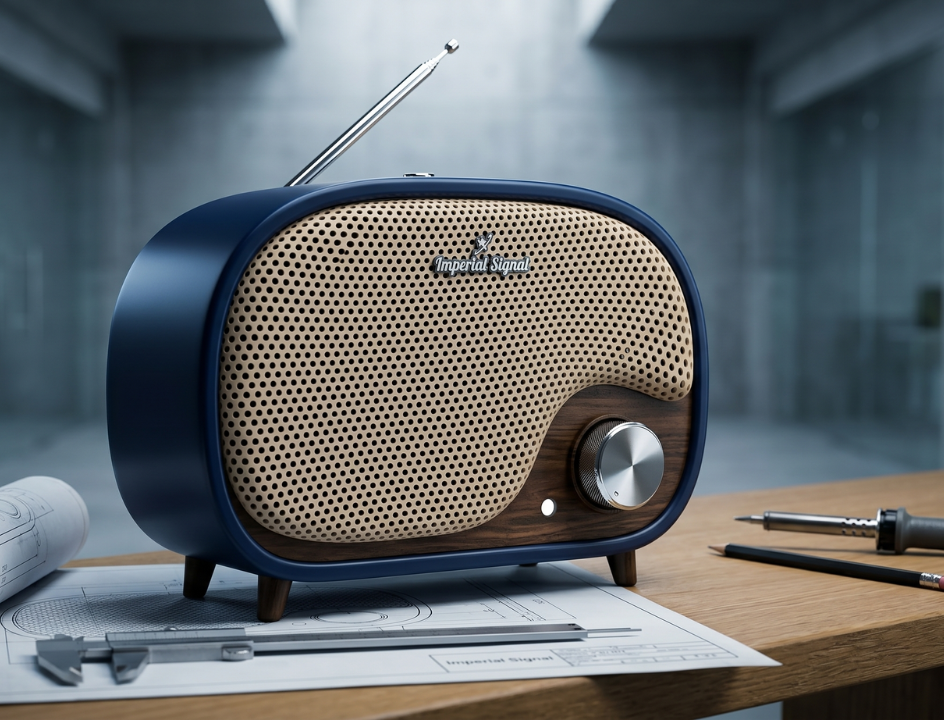
A desktop app for makers building My Vintage Radios. Its primary job is organizing music onto an SD card through a simple station-based interface. Firmware is a one-time setup handled separately and is not part of the main workflow.
Audience
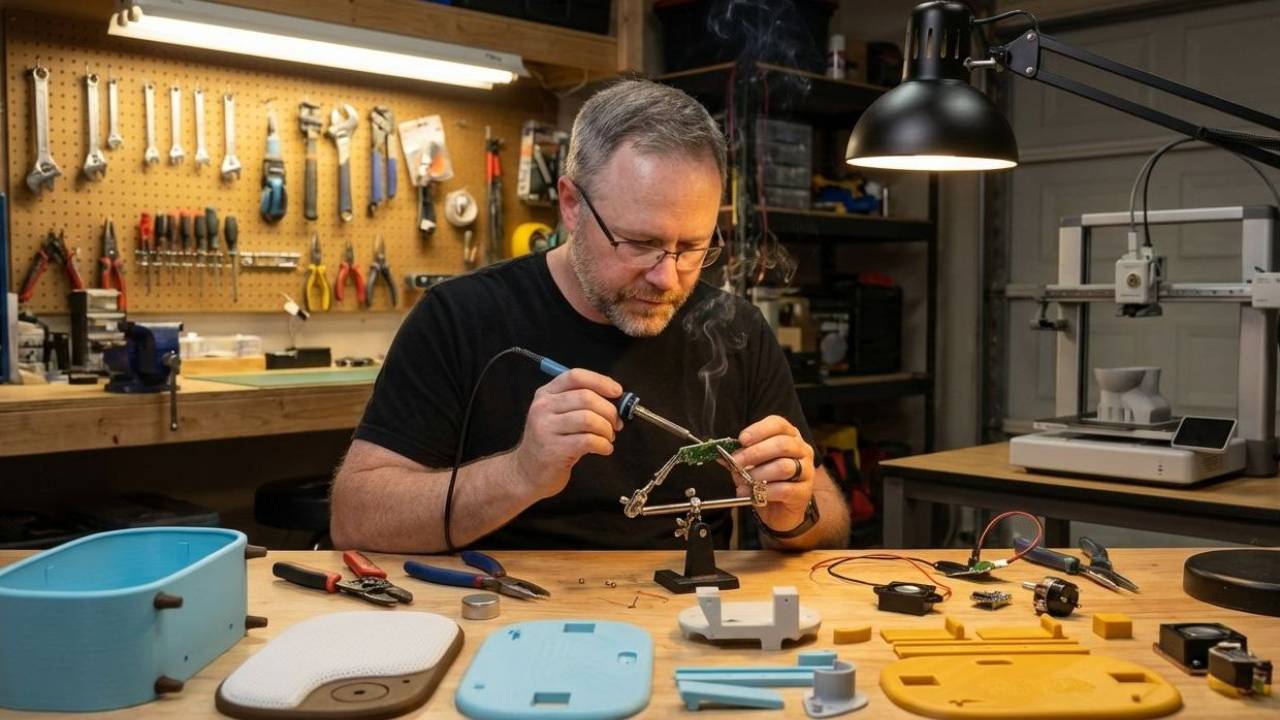
Discord community makers, gift builders, and licensed sellers. Assumed to be intermediate, comfortable with basic maker tools, but not developers. The app should require no technical knowledge to operate.
Platform support
Mac, Windows, and Linux.
Libraries
L1 — Named, saveable libraries
A library holds a complete set of stations and tracks for one radio build. Makers can create, rename, and switch between multiple saved libraries so they never have to rebuild a station lineup from scratch.
- Libraries listed in a dropdown at the top of the app
- Makers can create, rename, or delete a library
- Example use: "Mom's Radio", "Dad's Radio", "Holiday Edition"
- Libraries persist between app sessions
Main Window — SD Card Music Manager
The main window is the only window most makers will ever need. It handles everything related to organizing and syncing music to the SD card. Nothing else competes for attention here.
S1 — Auto-detect SD card
When a maker inserts an SD card via reader, the app detects it and shows it as the sync target. No manual path selection in the normal flow.
- Detection is passive, no button press needed
- Show card name, total size, and free space
- If multiple removable drives are present, prompt to choose, never auto-select
S2 — Drive identity verification before sync ⚠ Safety
Before syncing, the app takes active steps to verify the selected drive is actually a radio SD card and not an unrelated drive on the maker's computer.
- App only lists removable drives as valid sync targets, internal drives are never shown
- If the selected drive is larger than a reasonable SD card threshold (e.g. 64 GB), show an extra warning
- If the drive contains no recognizable radio folder structure, warn the maker it may not be a radio SD card
- Confirmation dialog shows: drive name, mount path, total size, and a summary of what will be deleted and written
- Warning copy reads: "This will erase everything on [Drive Name] and replace it with your stations. This cannot be undone."
- Confirmation requires clicking a clearly labeled button, cancel is always the default
- Never proceed if the drive cannot be positively identified as removable
S3 — Station management
Makers create stations by giving them a name. Each station becomes one album on the radio.
- Create a station with just a name, no other fields required
- Rename or delete existing stations
- Station order determines album order on the radio, reorder by dragging
S4 — Adding tracks to a station
Makers add music by dragging files in or using a file picker. Any common audio format is accepted, the app converts automatically at sync time.
- Drag and drop audio files onto a station, or use a file picker
- Accepted: any common audio format (MP3, WAV, FLAC, AAC, etc.)
- App converts to DFPlayer-compatible format automatically on sync
- Track order within a station is set by dragging
S5 — Sync to SD card
One button syncs everything. Full replace every time. Conversion happens at sync time.
- Validates before syncing: warns if any station is empty or has no tracks
- Shows progress during conversion and writing
- Shows a clear success or failure message when complete, including a summary of what was written
- Offers a "safely eject" option after a successful sync
Advanced — Firmware
Firmware flashing is a one-time operation and does not belong in the main workflow. It is accessible via an Advanced button or menu item, out of the way for makers who will never need it.
F1 — Firmware deployment
Firmware is distributed as a .uf2 file. Installation means dropping the file onto the RPI-RP2 drive that appears when an unprogrammed RP2040 is plugged in. The app may assist with this but it is not a primary feature.
- Distributed radios should already have firmware installed
- Makers building from scratch can access firmware tools via the Advanced section
- Advanced firmware access should feel similar to how Thonny handles the Python interpreter, buried but available
F2 — Firmware selection
If a maker accesses the firmware section, they can choose from a curated list of named releases or point to a local .uf2 file.
- List shows named versions (e.g. V1, V1.1, V2 beta) with a short description
- Latest stable release is selected by default
- Option to browse for a local .uf2 file
F3 — Confirmation before flashing ⚠ Safety
Before any flash operation begins, the app shows a confirmation dialog that clearly identifies the target device and requires the maker to explicitly approve.
- Dialog shows: device name, detected device ID or serial, and firmware version being written
- Warning copy reads: "This will overwrite everything on this device. Make sure this is your RP2040-Zero."
- Confirmation requires clicking a clearly labeled button, not just dismissing a dialog
- If the device does not look like an RP2040-Zero, show a stronger warning and require the maker to type "flash" to proceed
- Cancel is always the default and most prominent option
Advanced — Debug Tools
A1 — Hidden by default
All debug features are hidden from the main UI. Accessible via the same Advanced button or menu item as firmware.
- Console output, raw serial commands, EQ settings, and manual port selection are all advanced
- Advanced mode resets to hidden on every app relaunch
Non-Goals for This Version
Firmware as a primary feature
Firmware flashing is advanced and secondary. It is not a tab, not a step in the main flow, and not something most makers will touch.
Cloud sync
Libraries are local only. No cloud backup.
Music preview
No in-app audio playback.
Cover art / metadata
Station name only. No artwork or descriptions.
Partial SD sync
Always a full replace. No diff/patch sync.
End-user access
This app is for makers only, never shipped with the radio.
Requirements marked ⚠ Safety are the highest priority in this spec. They exist to prevent accidental data loss on unintended drives or devices. Clear confirmation dialogs and conservative drive detection are non-negotiable.