Vintage
AM Radio
A 3D printed, offline radio that brings back the charm of vintage AM broadcasts.
This short video walks through my thinking behind why I made it, how the radio works, including powering it on, adjusting the volume, and using the button to move through tracks and albums. It also covers what to expect when the radio starts up, how the sound behaves, and how to add or change music using the SD card. If you just want to use the radio and enjoy it, this is the best place to start.
Every aspect of my Vintage Radio embraces the limitations and charm of vintage AM radio
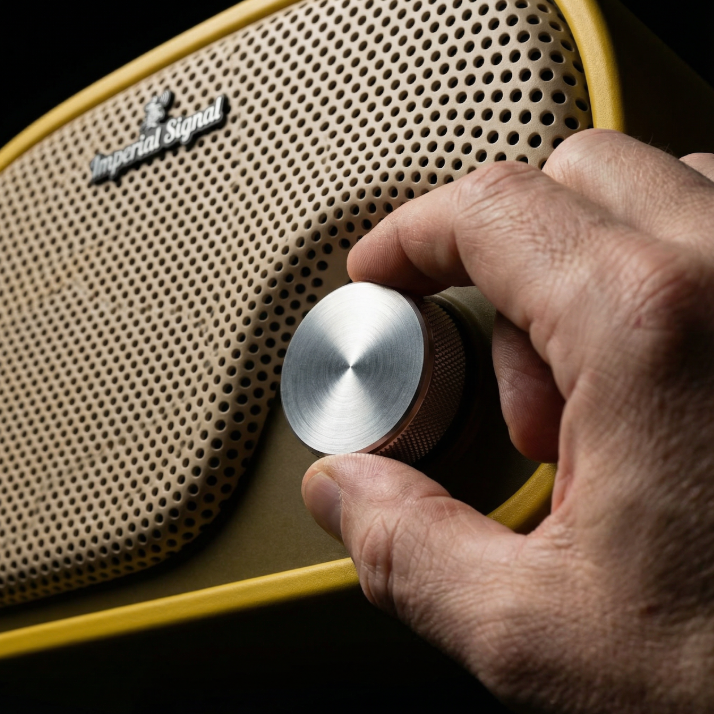
Physical knob and buttons provide satisfying, direct control without complexity
No internet, no apps, no updates. Just pure, uninterrupted audio playback
Mono audio with warm, slightly distorted characteristics that define the AM radio
This radio began as a quiet pushback against the way we now experience music. Everything has become smarter, faster, and more connected, but also more demanding. Listening is no longer a simple act. It requires wake words, apps, accounts, updates, and constant attention. I wanted to build something that stripped all of that away and returned music to a more familiar place.
At its core, this radio is intentionally uncomplicated. It carries the feel of an old AM radio, with mono playback and a narrow, imperfect sound. The hiss, compression, and limited range are not shortcomings to be corrected. They are part of the experience. That texture is what gives the music weight and presence, the same way radios once did when they lived on kitchen counters, bedside tables, and workbenches. You turn it on and sound is already there, waiting.
The idea became personal when I thought about my dad. I wanted to send him something he could enjoy without needing to remember a wake word or talk to a device. He does not know how to ask a speaker to play music. He wants to turn a knob and hear songs that feel familiar, music that sounds like it belongs to another time. I wanted the experience to feel natural and immediate, something he could understand without instructions or explanations.
That idea shaped every decision in this build. The radio is not connected to the internet. It is not smart, and it does not pretend to be. It does not listen, update itself, or wait for permission to play. It does one thing. When you turn it on, it plays music. When you turn it off, it stops. That simplicity is the feature.
Under the surface, the design is just as deliberate. A small microcontroller handles playback, a simple amplifier drives two small speakers, and the wiring stays as minimal as possible. The software exists only to support the experience, not to add layers of complexity. Nothing is hidden behind menus or settings. What you see and feel is exactly what the radio does.
This page exists for those who want to understand that process or build one themselves. It walks through how the radio is designed, how it is printed and assembled, how the electronics are wired, and how the software is programmed. It also covers how to add or remove music and how licensing works if you choose to sell finished units.
This is not a smart speaker, and it is not trying to compete with one. It is a reminder of what listening used to feel like. If you miss turning something on and simply letting it play, this radio was built for that feeling.
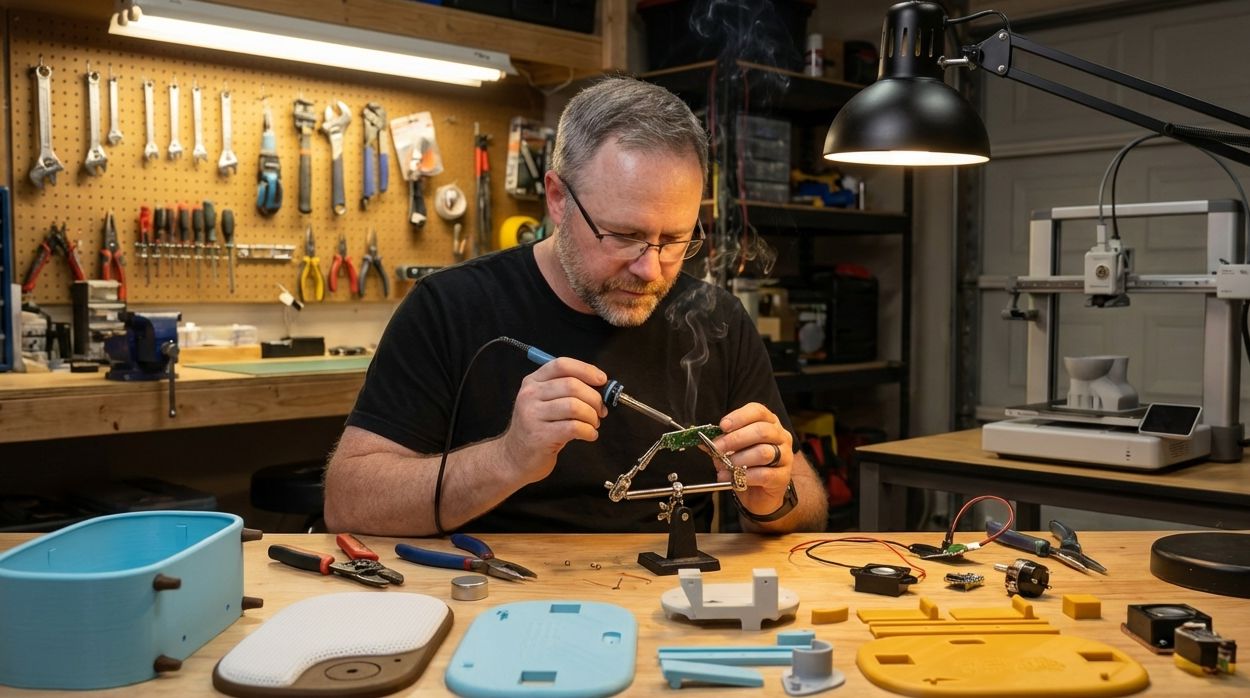
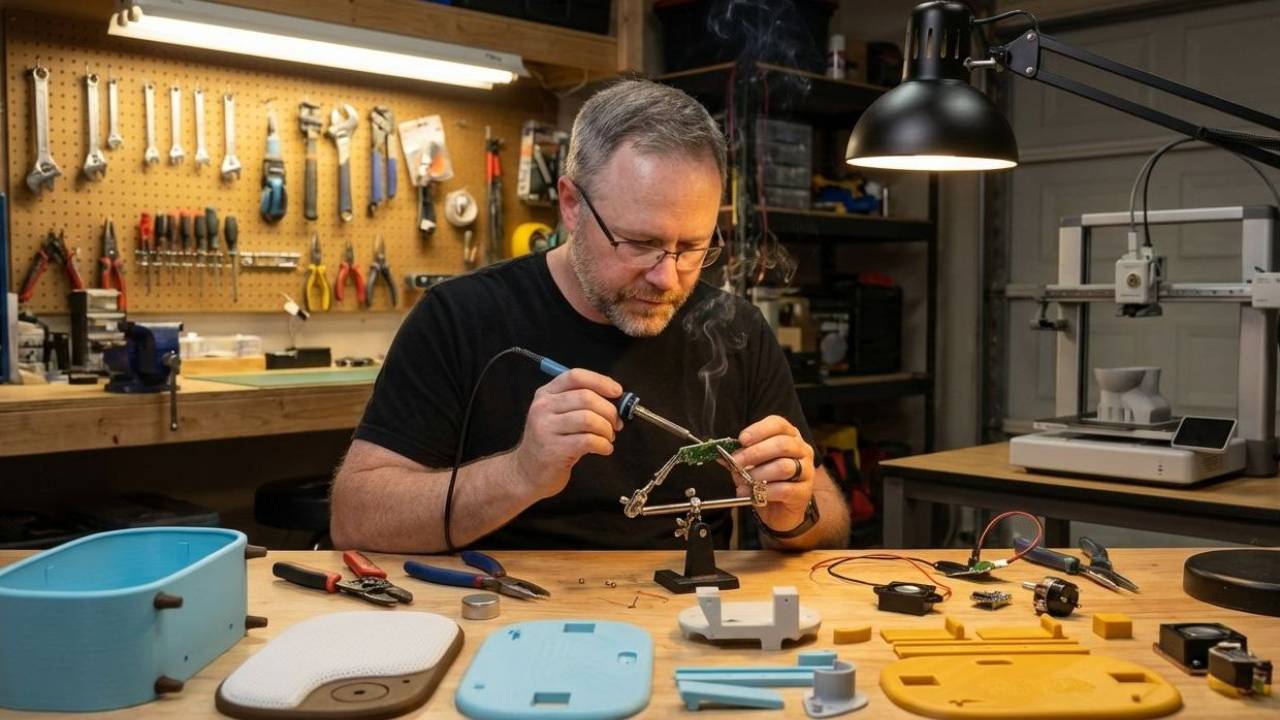
Built with patience, curiosity, and a lot of test prints.
If you feel like contributing, a donation goes a long way so I can make more cool stuff. Just click this button.
Here is a list of the hardware you'll need for my design. Some of this you might already have, some of it you might not. I'm giving you links to the items I purchased in "bulk". If you're just making one, you might want to take note of what I used, and find a better small quantity to purchase. I'll be honest, everything I used came from Amazon, except for the DFPlayer. You'll need to buy the real one (not on Amazon) if you're going to build yours just like mine, because the knockoff ones that have on Amazon have different firmware and will not work with my design.
Potentiometer Knobs: https://a.co/d/9H0jOAl
Breadboard: https://a.co/d/hbrNE2P
Proto-boards: https://a.co/d/843GS9Y
WH138 Rotary Potentiometer with Switch: https://a.co/d/ijyrtT0
Telescopic Antenna 7 Sections Telescopic 74cm: https://a.co/d/8BKqKU9
Yellow LEDs: https://a.co/d/1E5nShP
M3 screws: https://a.co/d/gPeRq7L (i only use the 6mm ones)
M2 screws: https://a.co/d/i2OV7em (i only use the 8mm ones)
M3 flat head screws: https://us.store.bambulab.com/products/m3-flat-head-cap-machine-screws-fhcs?id=42376310030472
Threaded M3 inserts: https://a.co/d/cLopwY2
M3x5 screws: https://us.store.bambulab.com/products/m3-flat-head-cap-machine-screws-fhcs?id=42376310030472
Pushbutton: https://a.co/d/6tLA6vy
Speakers: https://a.co/d/fqL6otF
Amplifier circuit component: https://a.co/d/0kjDqYt
Micro SD memory card: https://a.co/d/4lX2yHB
1k Resistors: https://a.co/d/dhlW9rH
2k Resistors: https://a.co/d/4yvbl9z
10k Resistors: https://a.co/d/j2P6ezR
Microcontrollers: https://a.co/d/7R3LNvv
Wire (solid core): https://a.co/d/cbny6hS
DFPlayer component (warning! do not try and buy the knockoffs from Amazon, get the real ones from this site. There is a major difference in the firmware, and any knockoffs will not work.) : https://www.digikey.com/en/products/detail/dfrobot/dfr0299/6588463
Charger Block: https://a.co/d/gedDIFV
Charger Cables USBc: https://a.co/d/8Z3ab9h
If you just want to add or remove music, and need some help, this is the place to start. I also illustrate how to format the micro SD card and the folder and song naming requirements so the radio knows exactly what to play. File structure matters here, but once it’s set up, updating or swapping music is simple.
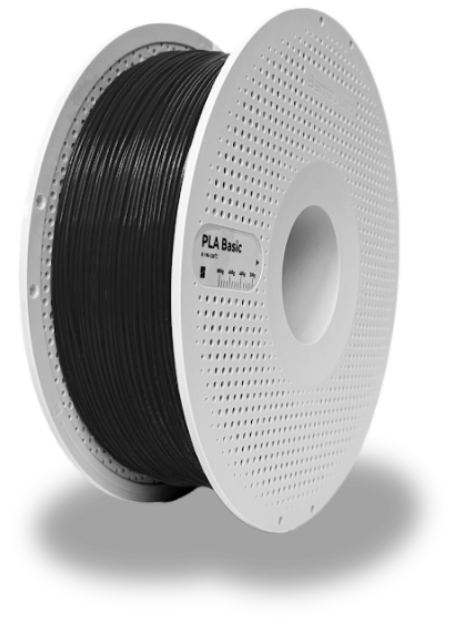
These are the filaments I recommend for printing the radio, based on finish, durability, and how forgiving they are during assembly. The goal is a clean surface, predictable tolerances, and parts that feel intentional once everything comes together.
This section covers the slicer settings used to print each part successfully. You’ll see recommended layer heights, wall counts, infill choices, and where supports are intentionally used. The focus is on getting clean surfaces, reliable tolerances, and parts that assemble without fighting you.
You don’t need a full workshop to build this. These are the few tools that make the process smooth, precise, and frustration-free, from cutting and stripping wires to tightening the final hardware.
This section covers how everything connects electrically. You’ll wire the components step by step, verify signal paths, and make sure power and audio are flowing exactly where they should.
Once everything is tested, it’s time to bring it all together. This final step shows how the parts stack, align, and fasten into the finished radio, turning a collection of components into a working object.
This step walks through loading the firmware that brings the radio to life. You’ll upload the code, confirm everything is running as expected, and make sure the microprocessor is ready before it ever goes inside the enclosure.
This project exists because people enjoy building things and sharing them with others. If you love making objects, telling stories through design, and putting something special into the world, this is meant to be shared.
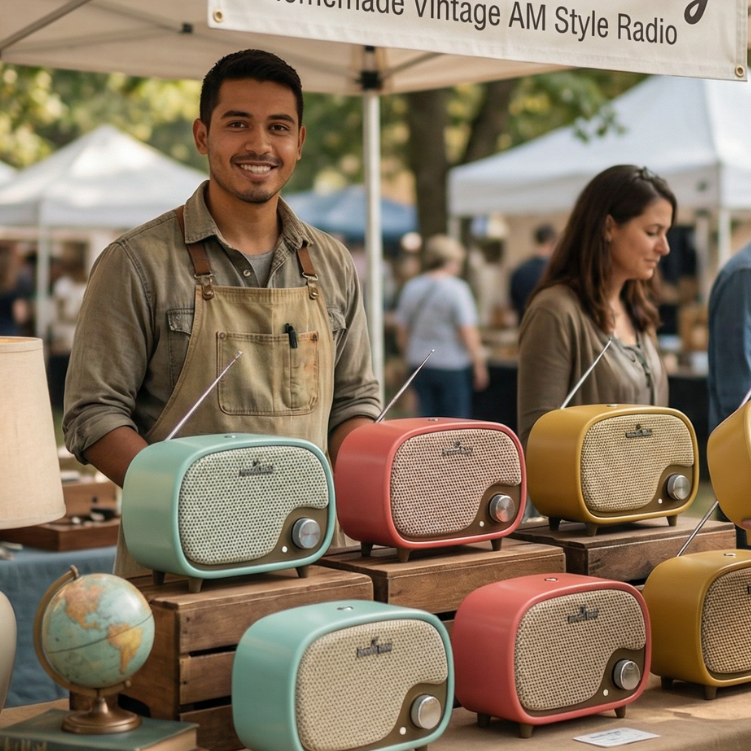
Licensing My Vintage Radio lets more people build their own versions, bring them to markets, put them on shelves, and let them find new homes. Every maker adds their own touch, their own story, and their own voice to the design.
The more these radios get built and sold, the more the idea grows. Not as a mass-produced product, but as something handmade, personal, and passed along from one person to the next.
That’s the spirit this license is built around.
My Vintage Radio is an original product design, not a public-domain project or an open file anyone can sell freely.
The license exists to protect the design, make expectations clear, and give makers a legitimate path to sell finished products without gray areas or guesswork.
It also helps keep quality high, prevents misuse, and ensures that everyone selling a version of this radio is doing so fairly and transparently.
The goal isn’t to restrict creativity. It’s to make sure you can build, sell, and promote your version with confidence, knowing you’re doing it the right way.
If this interests you, please click the button below to review the licensing agreement, and get started selling!
Zion
Built with patience, curiosity, and a lot of test prints.
If you feel like contributing, a donation goes a long way so I can make more cool stuff. Just click this button.